
- Your cart is empty
- Continue Shopping
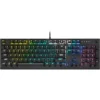

Wireless Logitech Keyboard and Mouse Combo with Dongle.
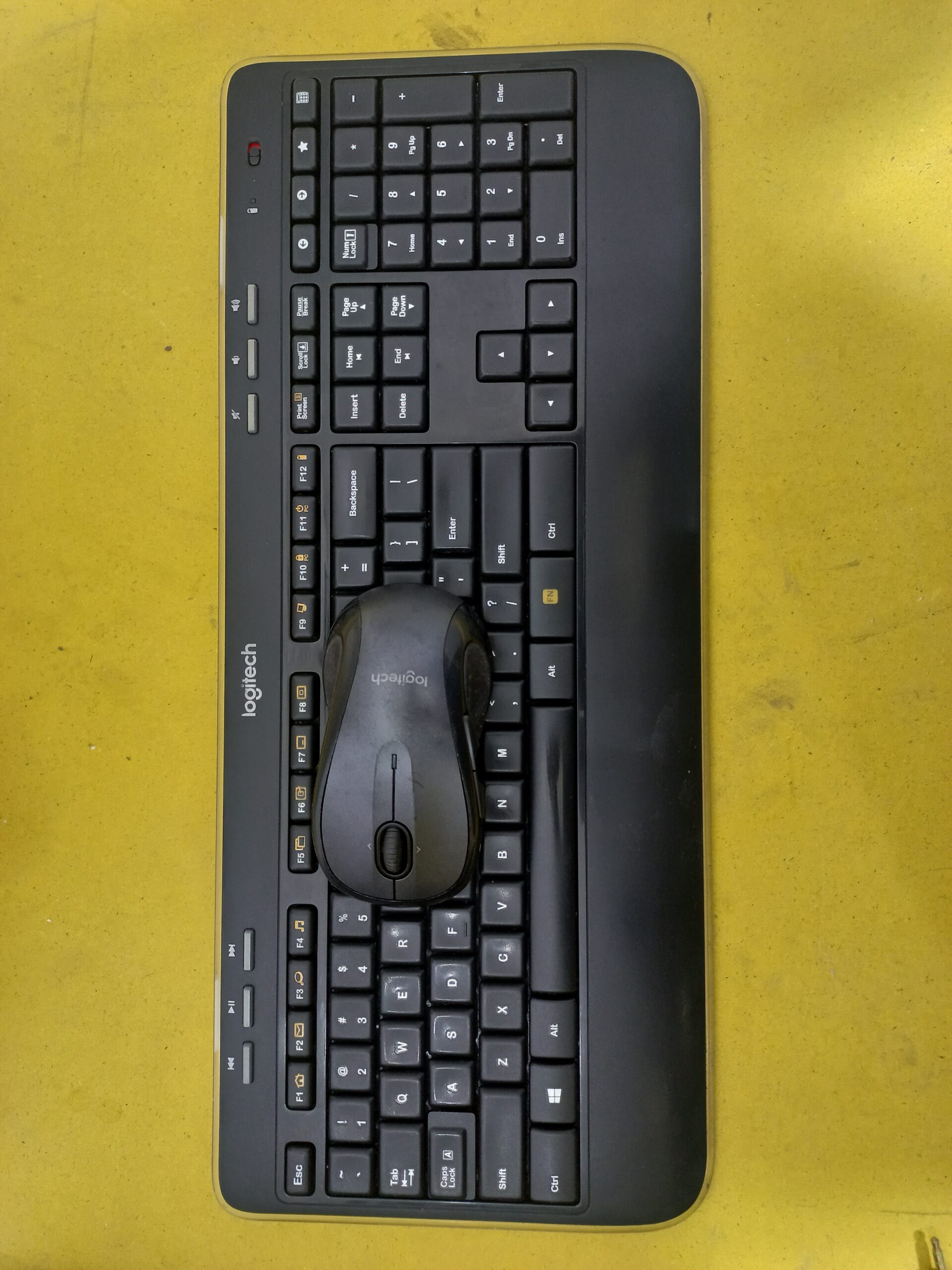
Wireless Logitech Keyboard and Mouse Combo with Dongle.
68 Views
₨ 2,100
Model
Mouse (M510) (This is 5 button Gaming Mouse)
Keyboard (K520)
This keyboard?mouse kit (often sold as MK520 combo) delivers a durable, comfortable wireless solution backed by strong battery life and broad OS support. The M510 mouse offers reliable tracking, extra programmable buttons, and an ergonomic design. The K520 keyboard provides a full layout with media controls, palm rest, and spill resistance.
Buy Now
Add to cart
Product Description
??? Logitech M510 Wireless Mouse
Full?size ergonomic design with sculpted shape, rubber side grips, and palm support for hours of comfort
Laser-grade sensor, offering precise optical tracking with a fixed 1,000?DPI resolution
7 buttons total ? includes Back, Forward, middle-click scroll wheel, and programmable side buttons via Logitech Options or SetPoint software
Tilt-wheel support: horizontal side?to?side scrolling plus zoom control
Connectivity via a USB Logitech Unifying receiver, supports pairing up to six compatible devices including the K520 keyboard
Wireless range up to ~10?m (33?ft), using 2.4?GHz RF
Battery life: Up to 24 months on 2 ? AA batteries, supported by on/off switch and auto-sleep mode; includes battery indicator LED
Dimensions & weight: ~120???65???41?mm, ~129?g with batteries, receiver size ~14???19???6?mm (~1.8?g)
OS compatibility: Windows 10/11, macOS, Chrome OS, Chromebook certified, Linux (kernel?2.6+)
?? Logitech K520 Wireless Keyboard
Also part of the MK520 combo kit, sharing the same Unifying receiver:
Full?size keyboard with number pad and softly rounded Incurve keys for ergonomic typing
Palm rest and adjustable tilt legs, spill-resistant design (tested with up to ~60?ml liquid)
One-touch multimedia keys, caps lock, power and battery indicator LEDs; deep-profile layout for comfortable typing
Wireless range up to ~10?m (30?ft) using the same Unifying receiver that connects the mouse as well
Battery life: Up to 36 months using 2 ? AA batteries, with on/off switch and safe power features
Compatibility: Windows, Chrome OS (USB port required), plug?and?play with no drivers needed for basic usage
Troubleshooting feedback: Some older K520 units may lag or freeze under heavy use, especially when paired via a newer Unifying receiver; cleaning or avoiding USB3 front ports may reduce interference Receiver note: Requires an official Logitech Unifying receiver (with the orange star logo) to pair; any compatible unifying dongle will work if it supports pairing software
?? Common Features & Combo Notes
Both devices work with a single Unifying USB nano?receiver, so only one dongle is needed for both keyboard and mouse connection
Setup is plug?and?play: insert the dongle into a USB port, switch on devices, and they pair automatically.
For device customization (programming buttons, macros), Logi Options (or Options+) or SetPoint may be used depending on hardware firmware



Reviews
There are no reviews yet.